Langwish · Own product
I kept deleting Instagram and reinstalling it the next day. So I built Langwish.
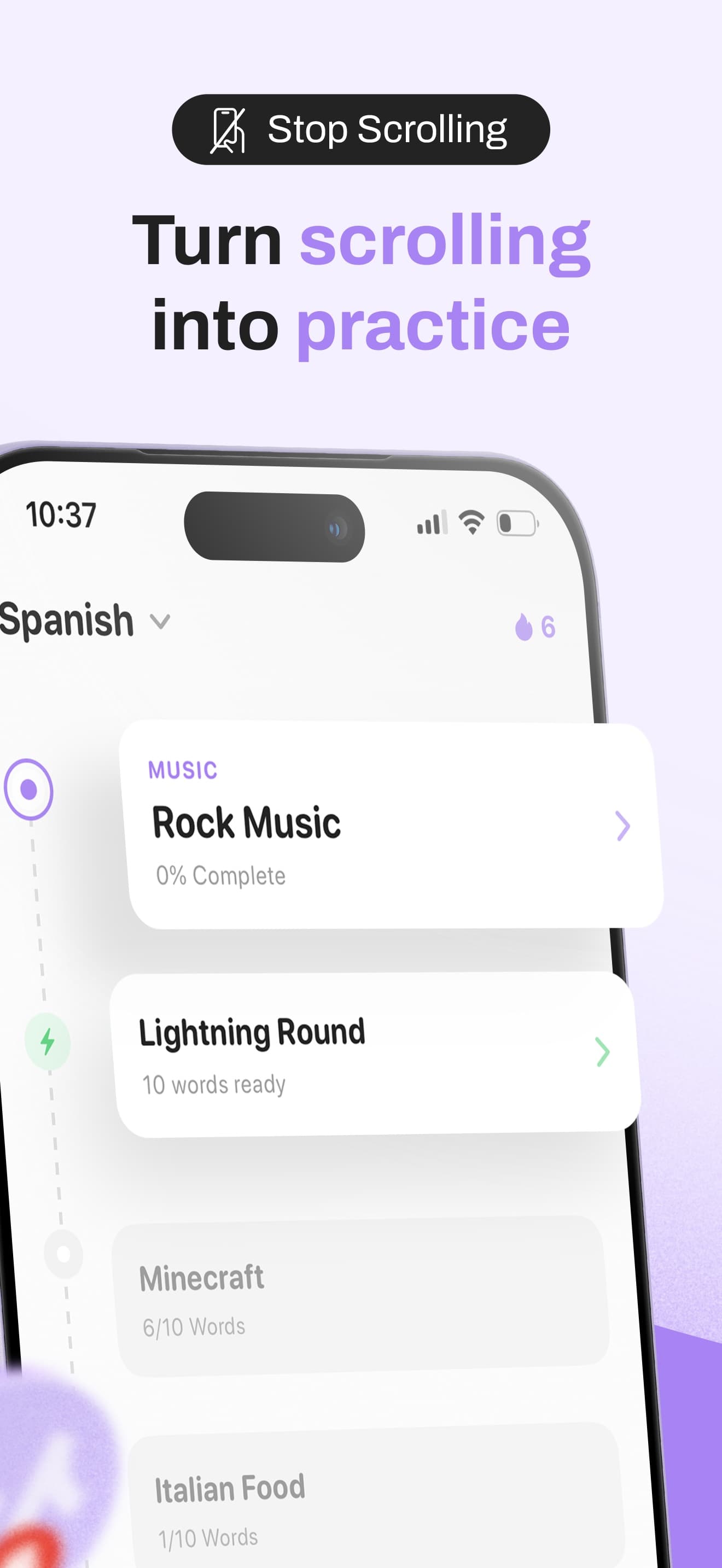
My own iPhone app. You choose the apps that eat your time, and Langwish locks them until you answer a short quiz in the language you're learning. The urge to scroll becomes a few minutes of practice.
- Role
- Founder, designer and iOS developer
- Company
- Own product
- Timeline
- 2025 to now · live on the App Store
- Team
- Just me, plus 40 TestFlight testers
- Platforms
- iPhone (iOS 17.6+), Screen Time, Home and lock screen
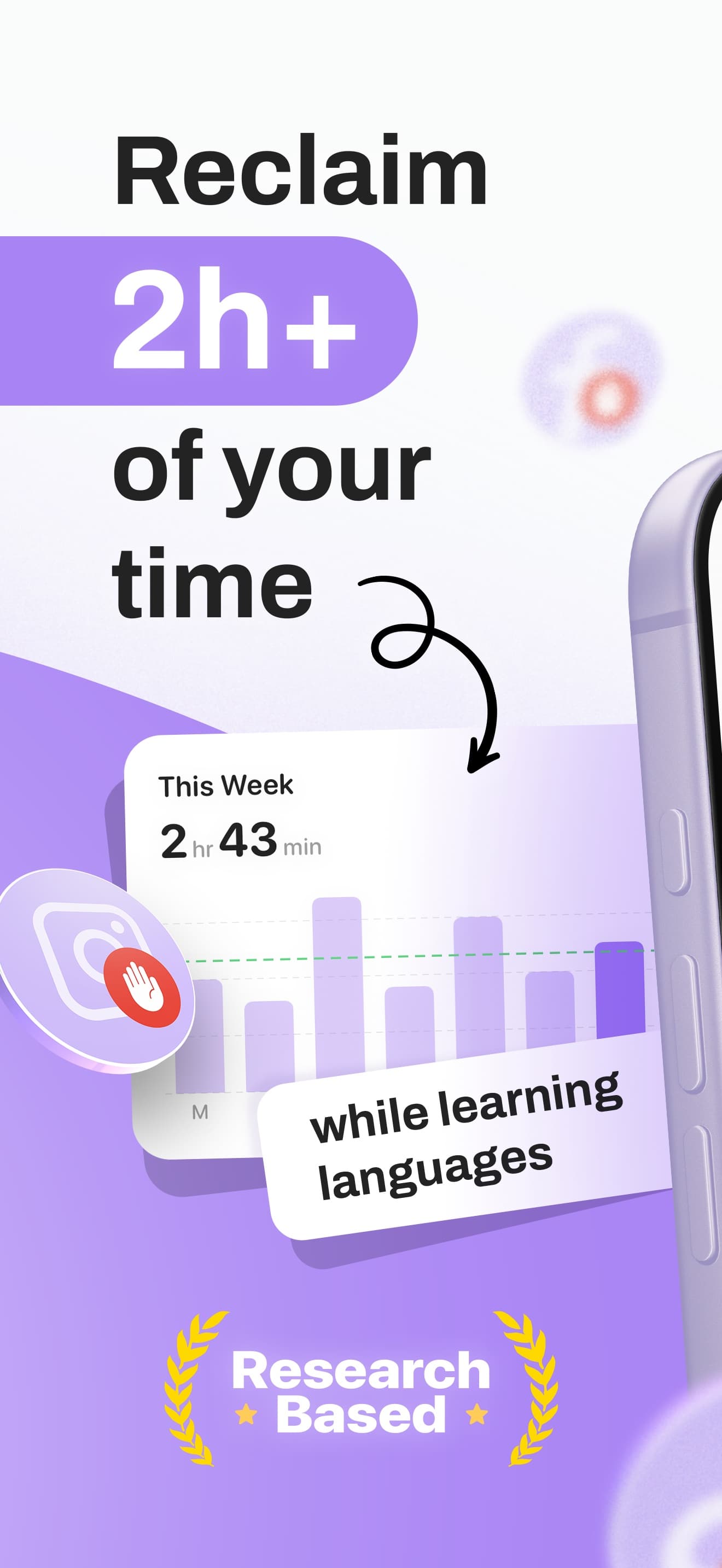
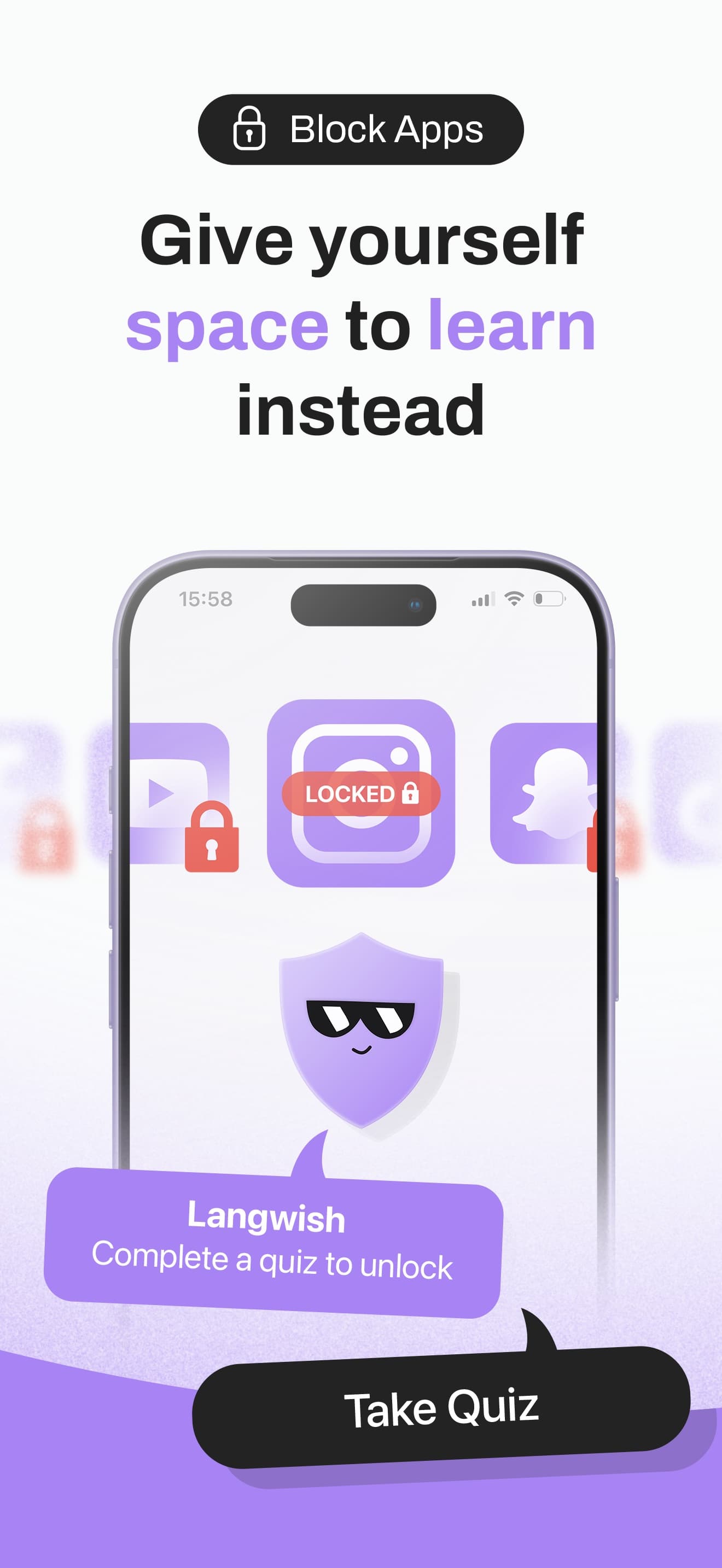
1Pick the apps that eat your time
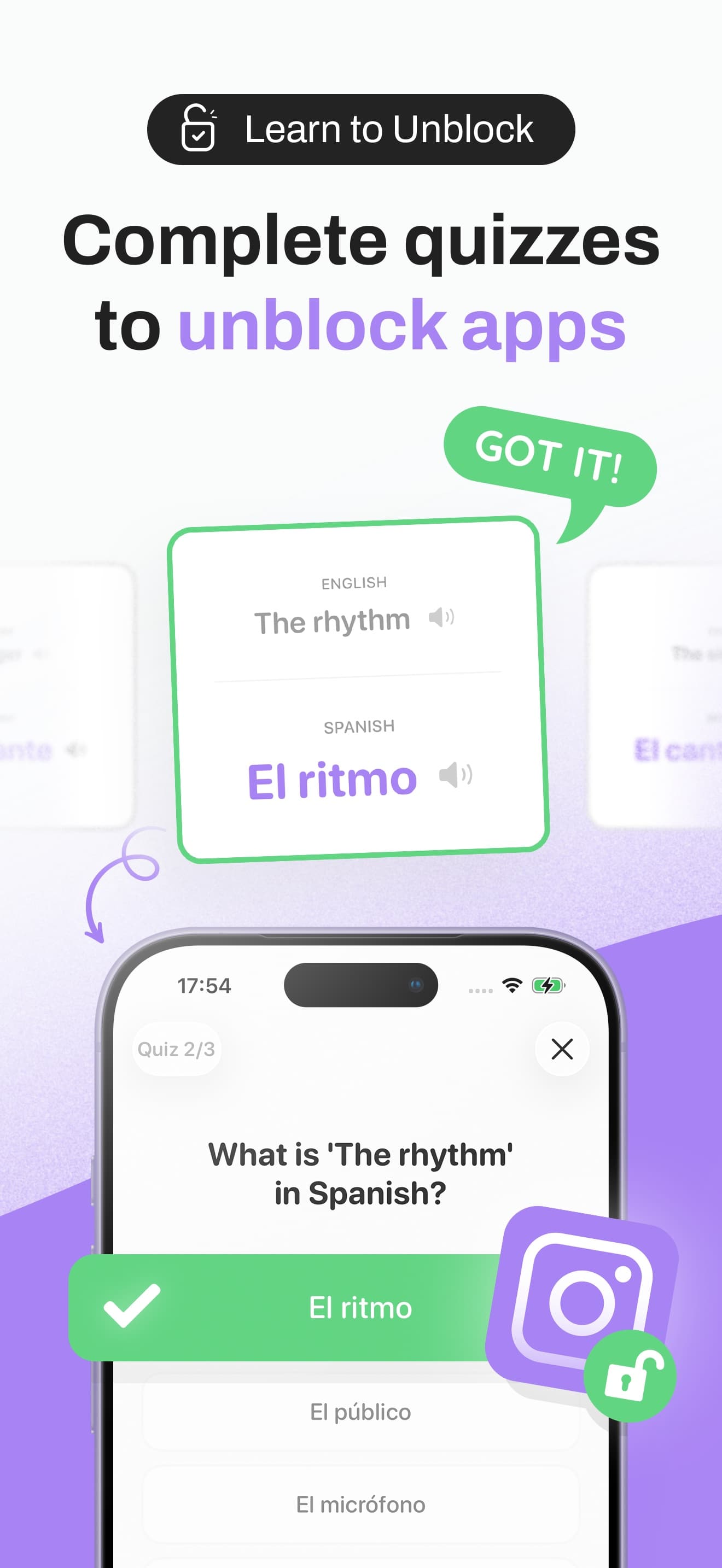
2A short quiz unlocks them for a set time
3Streaks and awards keep the habit going
30+
Languages to learn
3
Releases in the first week after launch
25 min
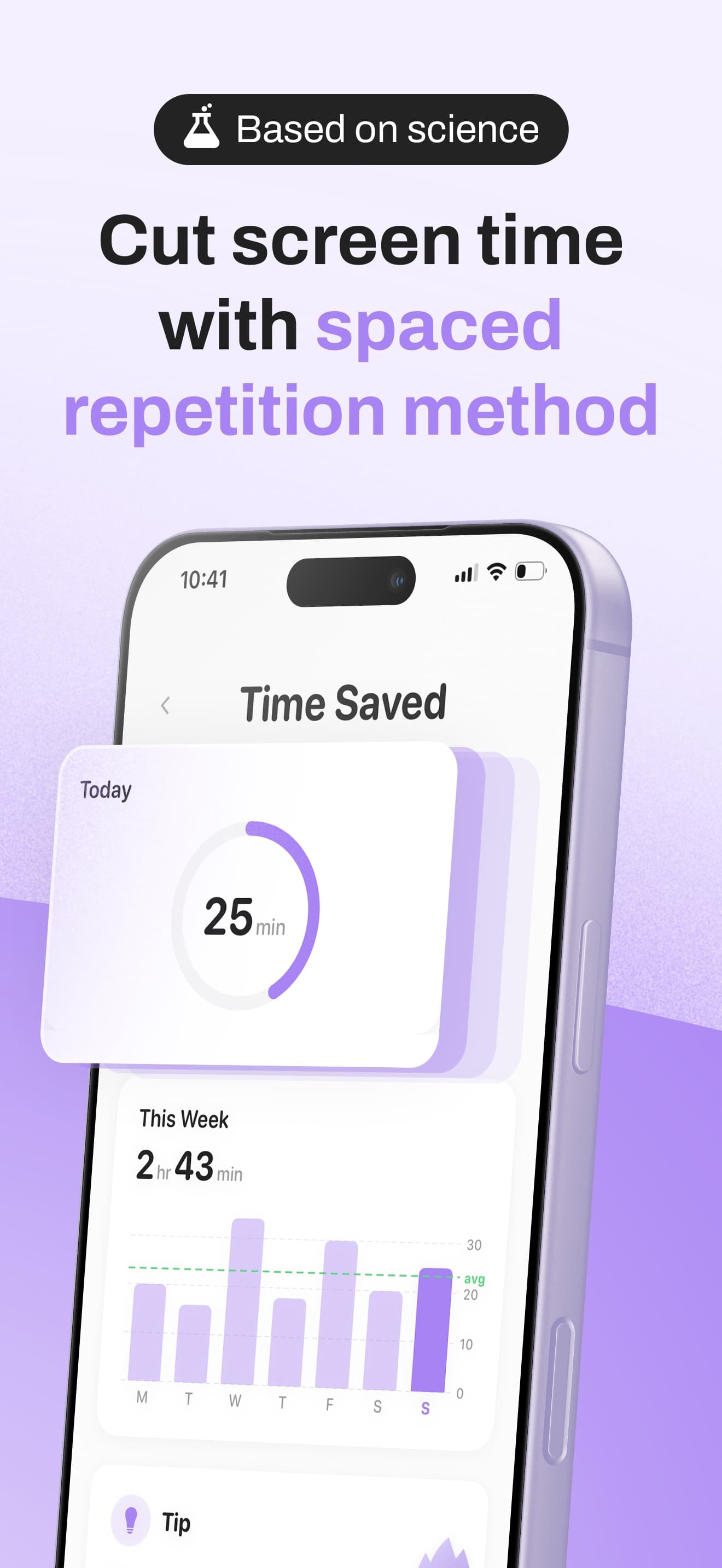
Average time saved per day by beta testers
0
Bytes of personal data collected
The problem
App blockers rely on willpower, so people switch them off. Language apps rely on motivation, so people stop opening them. I had both problems at the same time.
What I did
I designed and built Langwish on my own in SwiftUI: a Screen Time shield that asks for a short quiz instead of willpower, AI-generated vocabulary from your own interests, spaced repetition, streaks and a clear 'time saved' number. Everything runs on the phone.
What changed
Langwish launched on the App Store in April 2026 and shipped two updates in its first week, including CSV import for your own word lists. Beta testers saved about 25 minutes a day.
01 · Context
A side project that started with my own phone.
I kept deleting social apps and reinstalling them the next day. Blockers didn't help for long, because the moment they got in the way I switched them off. At the same time I wanted to practise a language every day, and opening a language app on most days was harder than it should be.
The idea was simple: if I was going to pick up my phone anyway, that moment could be a few minutes of practice. Langwish is the result. I designed it, built it in SwiftUI and launched it on the App Store in April 2026.
- Urge↓
You open Instagram out of habit
You
- Shield↓
Langwish asks for a quick quiz
Screen Time
- Practice↓
Three words from your topics
Langwish
- Unlock↓
The app opens for 15 minutes
Screen Time
- Review↺ back to 01
Missed words come back later
Spaced repetition
02 · Problem
Willpower is a bad interface.
Before building anything, I tried the popular screen-time apps and language apps for a month each and logged what happened. The blockers worked for a few days, then I found the off switch. The language app's reminders became background noise.
Typical app blockers
- ✕Block, wait, or give up
- ✕The only way past is willpower
- ✕Unlocking feels like losing
- ✕Easy to switch off for good
Langwish
- ✓Block, then earn the unlock
- ✓A short quiz is the way past
- ✓Unlocking feels like progress
- ✓Practice adds up, so you keep it on
The question I worked on
How might I make the moment you reach for your phone useful, without making the phone so annoying that you delete the app?
03 · Research
Friends, testers and a month of my own data.
I interviewed 15 friends and colleagues who were learning a language or trying to cut screen time, did a teardown of five screen-time apps and two language apps, and ran a TestFlight beta with 40 people for six weeks.
The friction has to be short
A quiz longer than about 30 seconds made people angry, especially when they needed the app. Three questions was the sweet spot in the beta.
“One question is a joke, ten is a punishment.”
Generic vocabulary is boring
Testers remembered words from topics they cared about, like music or football, much better than words from a generic list.
“I'll never need 'the umbrella', but I want to talk about the NBA.”
People need to see the payoff
Without a number, saved time felt invisible. A simple daily 'time saved' figure made people keep the app on.
“Seeing 40 minutes saved yesterday made me leave it on.”
04 · Process
Designing and building it alone.
Being the designer and the developer meant I could test ideas in the real app within hours. It also meant every design decision had to survive the iOS Screen Time framework, which is strict about what an app can show when another app is blocked.
Wait timer before opening
Common in other apps. In my own test I just stared at the timer, then scrolled anyway. Nothing learned.
Quiz inside the shield
The ideal, but iOS only allows text and two buttons on a shield. I had to design around it.
Shield sends you to a 3-question quiz
One tap on the shield opens the quiz in Langwish. Finish it and the blocked app unlocks for the time you chose.
05 · Design decisions
Short quizzes, your own topics, a visible payoff.
Learn words about things you actually care about
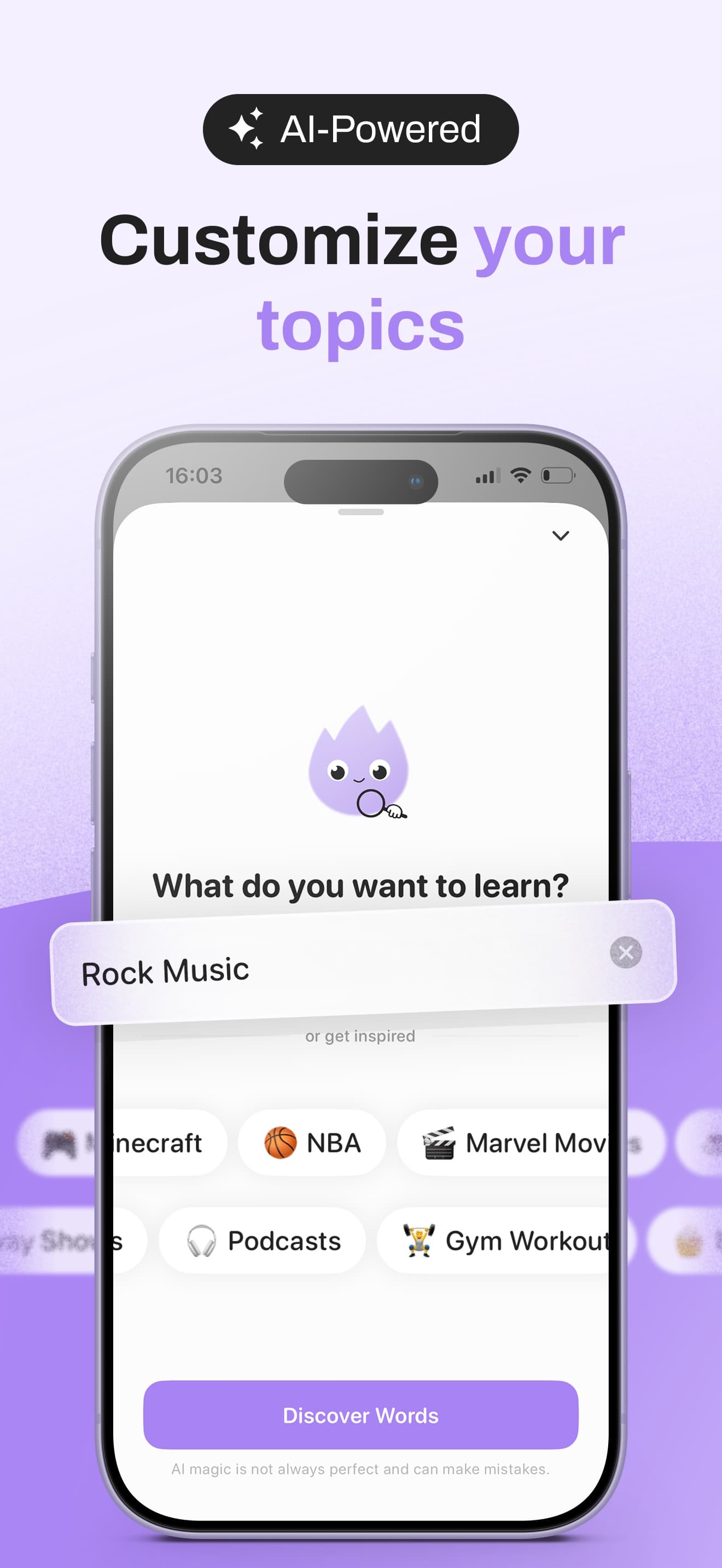
You type what you're into, like Rock Music, Minecraft or Gym Workout, and Langwish uses AI to build a vocabulary set for that topic in your target language. You can also import your own list as a CSV, which teachers and serious learners asked for in the first week, so it shipped in version 1.2.
Onboarding that explains Screen Time honestly
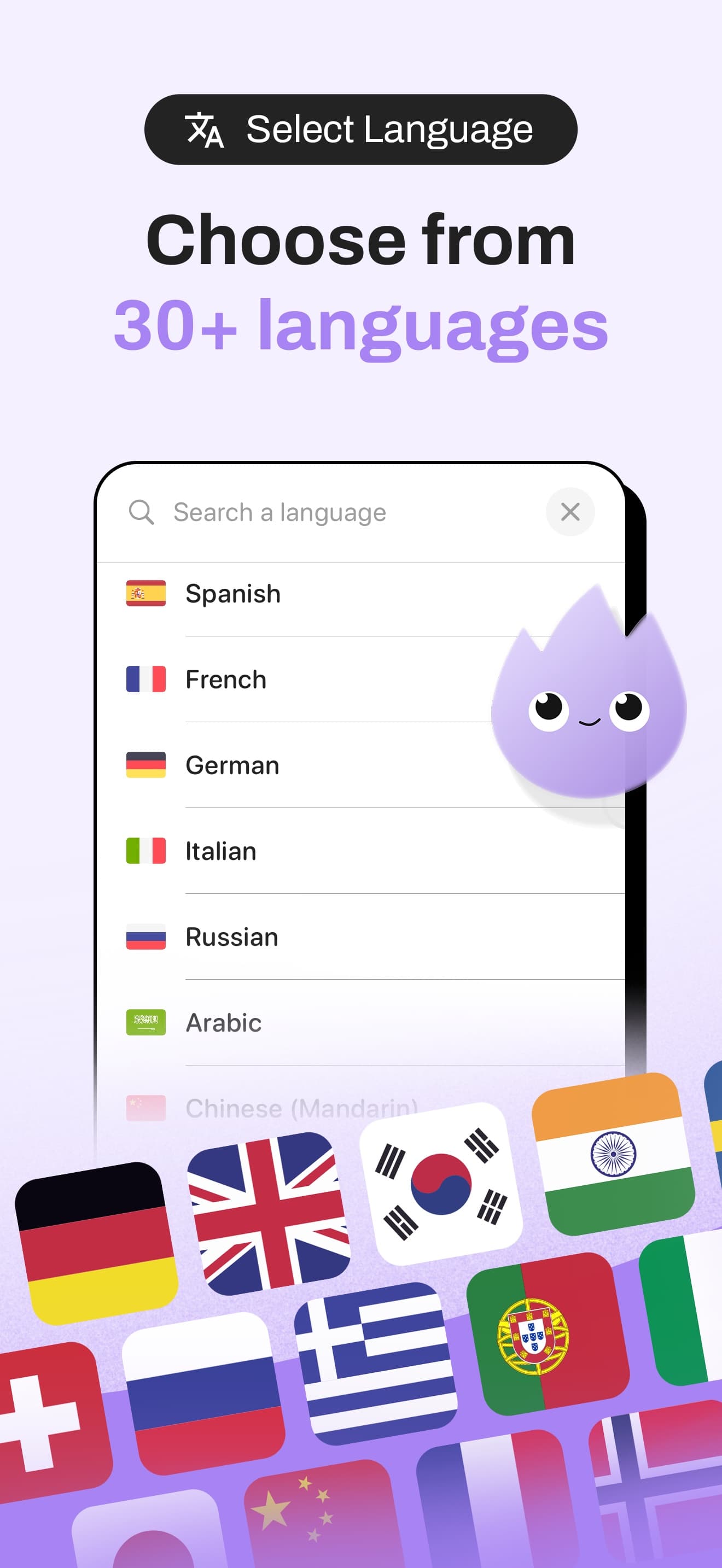
Screen Time permission is a scary system prompt. Before it appears, Langwish explains in one sentence what it does and that nothing leaves the phone. Then you choose apps to block, a language and how long an unlock lasts.
Progress you can feel
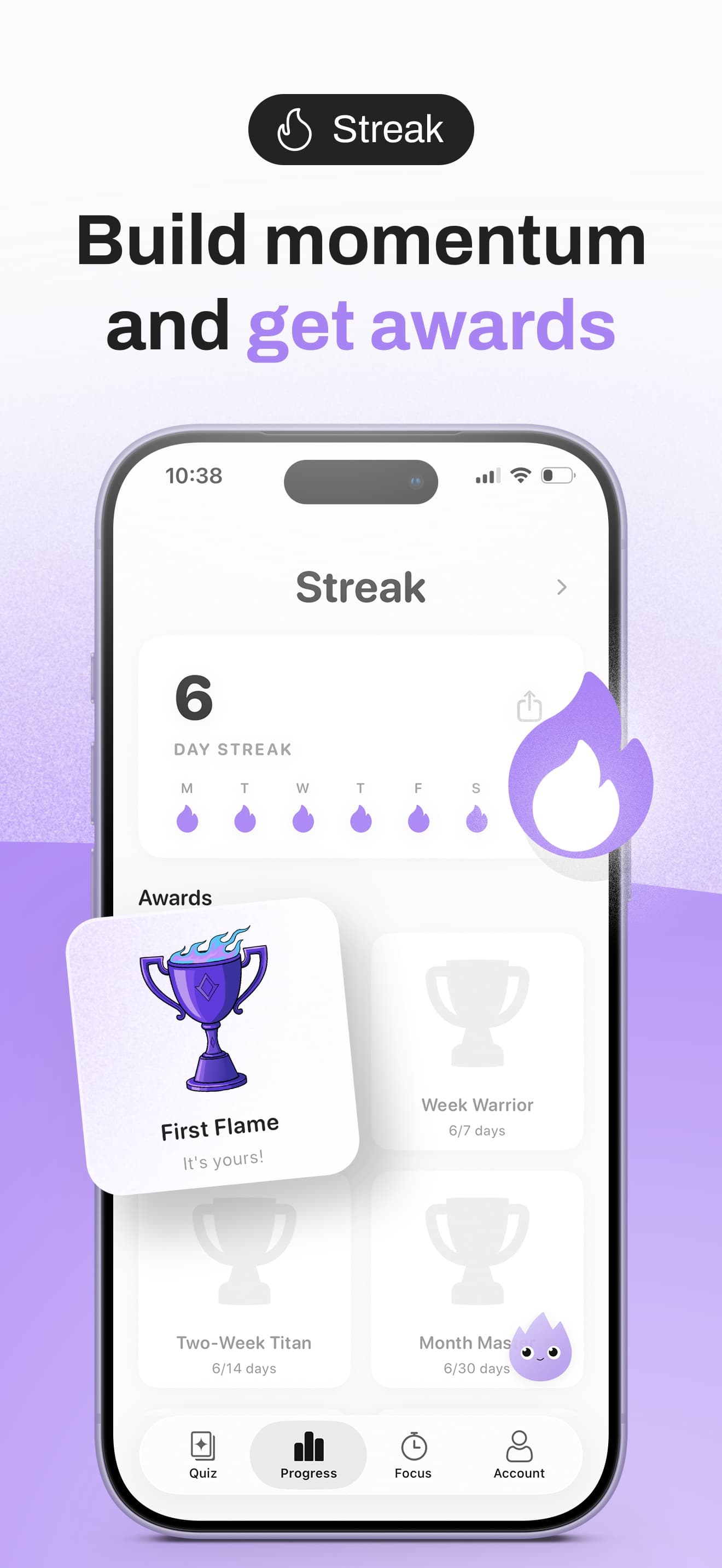
The home screen leads with time saved today and this week, then the streak. Awards like First Flame and Week Warrior mark milestones without turning learning into a game you have to win.
Private by design
Langwish collects no personal data. Blocking runs through Apple's Screen Time framework on the phone, and progress is stored locally. That made the App Store privacy label easy, and it's a promise I can explain in one line.
| What | Where it lives |
|---|---|
| Which apps you block | Apple's Screen Time, on your phone. Langwish never sees the app names. |
| Your words and progress | On your phone |
| Topic generation | Only the topic text is sent, with no account or identifier |
| Analytics and tracking | None |
06 · Edge cases
When you really need the app now.
Skip, with a cost
One skip a day, no quiz. It ends your streak, so people rarely use it.
Learn it, then continue
A wrong answer shows the word and comes back sooner in your reviews.
Still works
Quizzes use words already on the phone.
Never blocked
Phone, Messages and Maps can't be added to the block list.
Harder words
Spaced repetition moves on when you keep getting a word right.
Streak resets kindly
No guilt messages. The time saved total stays.
07 · Outcome
Live, and getting better every week.
Langwish 1.0 went live on 15 April 2026. Version 1.1 followed the next day with fixes from the first users, and 1.2 added CSV import a week later. It's free to try, with a monthly or yearly subscription for unlimited topics.
“I open Instagram, answer three Spanish words, and half the time I don't even want to scroll anymore.”
“The Minecraft topic got my son to do Spanish without complaining.”
08 · Reflection
What building it myself taught me.
Designing within a strict platform taught me more than any brief. The Screen Time rules took away my favourite idea, a quiz inside the shield, and the workaround turned out simpler.
Shipping alone also changed how I work with engineers. I now write specs as if I'm the one who has to build them on a Sunday night.
What's next
- ·A home screen widget with today's words and time saved
- ·Listening and speaking quizzes, starting with pronunciation
- ·Shared topic packs for classrooms
Tools on this project
Figma, SwiftUI, Screen Time (FamilyControls, ManagedSettings), Xcode, TestFlight, An LLM API for topic generation
Names of the people quoted have been changed to protect their privacy.
Returns that sell again →